
OmniBox logo for WeChat sharing
Skip to content

Community & Official Accounts ​

Contact Us From the Web ​

After signing in, click the Contact us icon at the bottom of the resource list on the left, or open Settings > Contact us.
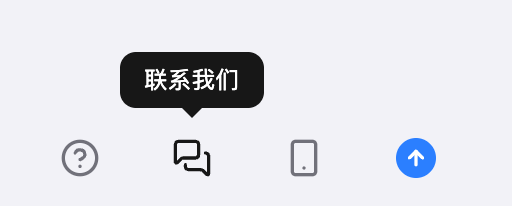
Contact Us entry at the bottom of the resource list

Scan the user community QR code in WeChat, or click Join Discord to discuss OmniBox and share questions or suggestions.
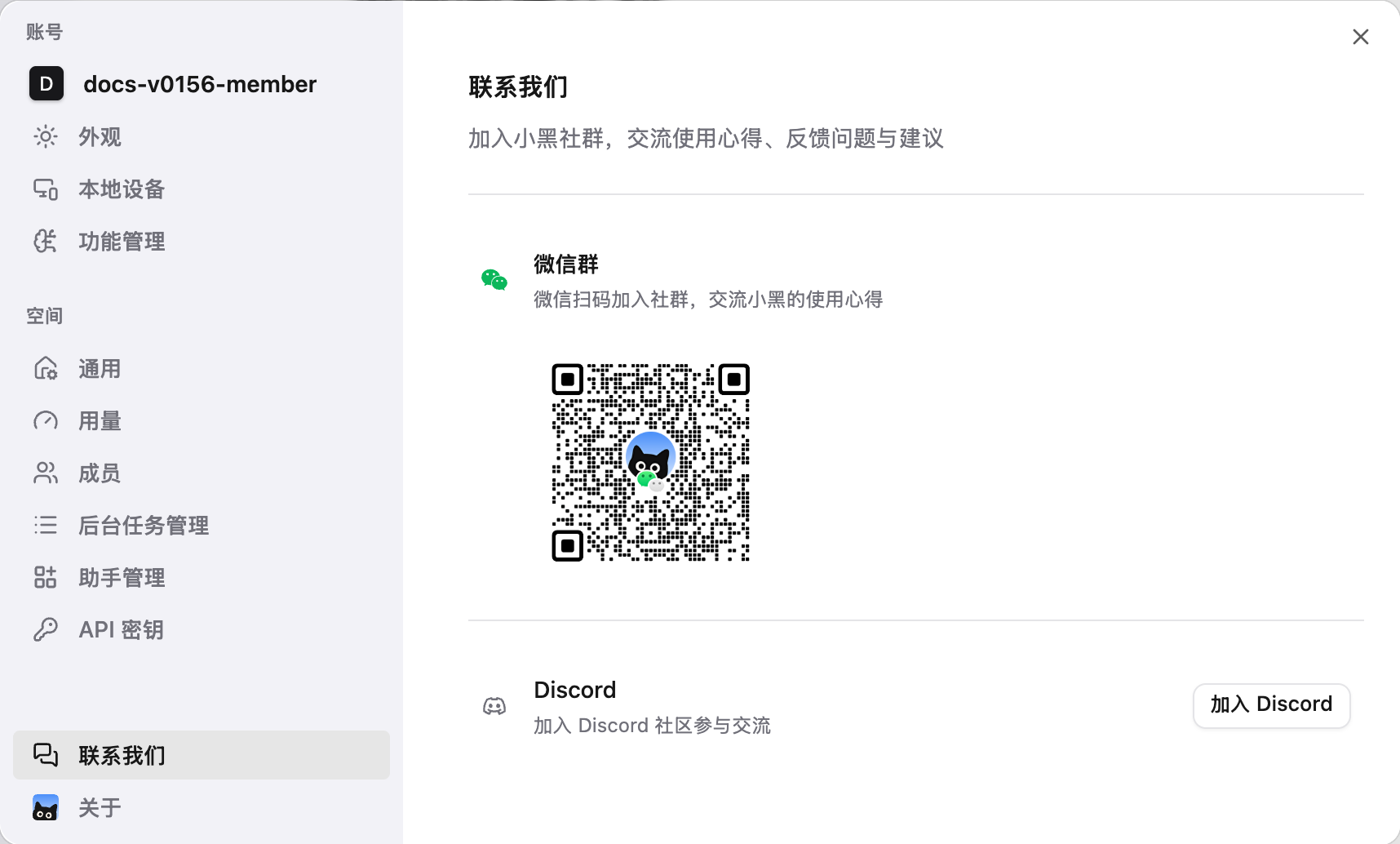
WeChat community and Discord entries in Settings

Chat Room ​

Community ​

OmniBox Community

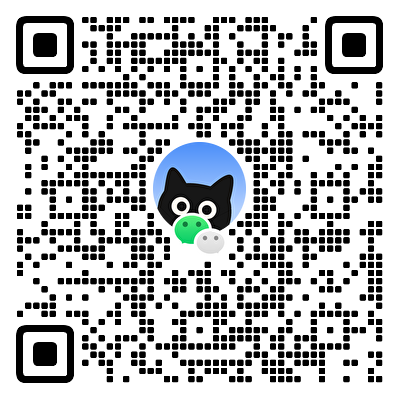
WeChat Group ​

QR code for the OmniBox WeChat user group

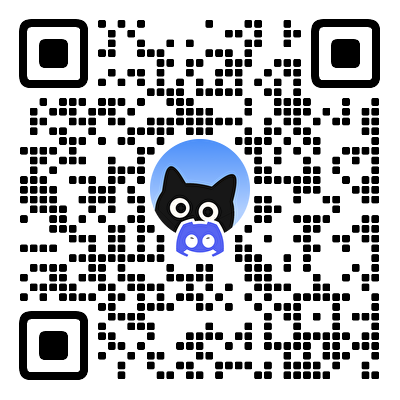
Discord ​

@OmniBox

QR code for the OmniBox Discord community

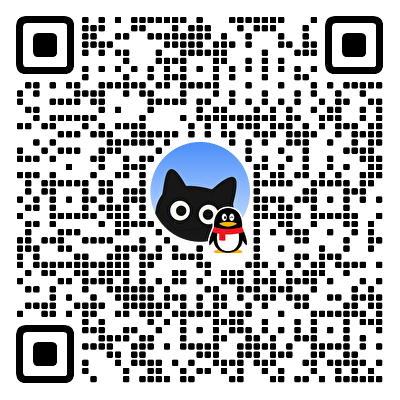
QQ Group ​

Group number: 793380709

QR code for the OmniBox QQ user group

QQ Developer Group ​

Group number: 1072738397

Official Accounts ​

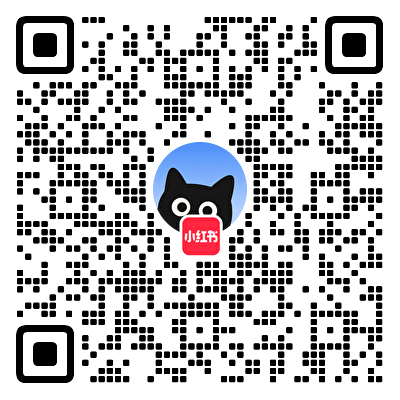
RedNote ​

@OmniBox

QR code for the official OmniBox RedNote account

Bilibili ​

@OmniBox

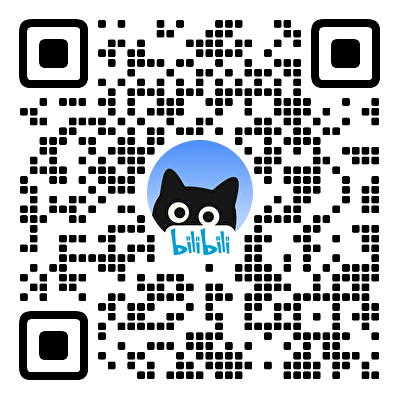
QR code for the official OmniBox Bilibili account

Douyin (TikTok China) ​

@OmniBox

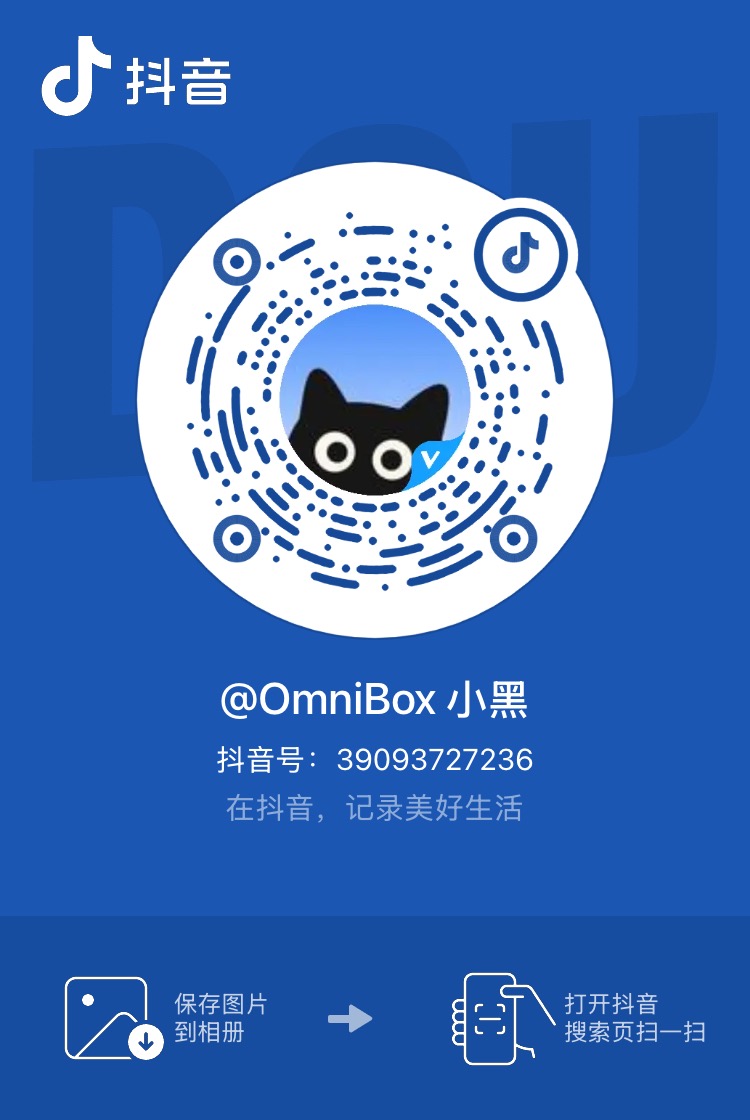
QR code for the official OmniBox Douyin account

X (Twitter) ​

@OmniBox

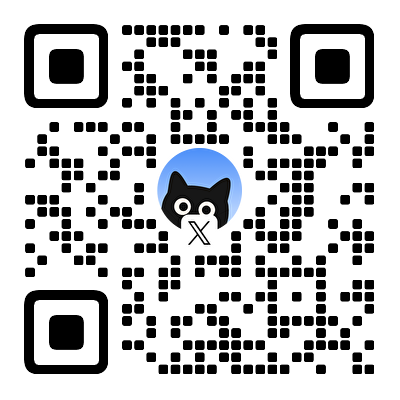
QR code for the official OmniBox X account

YouTube ​

@OmniBox

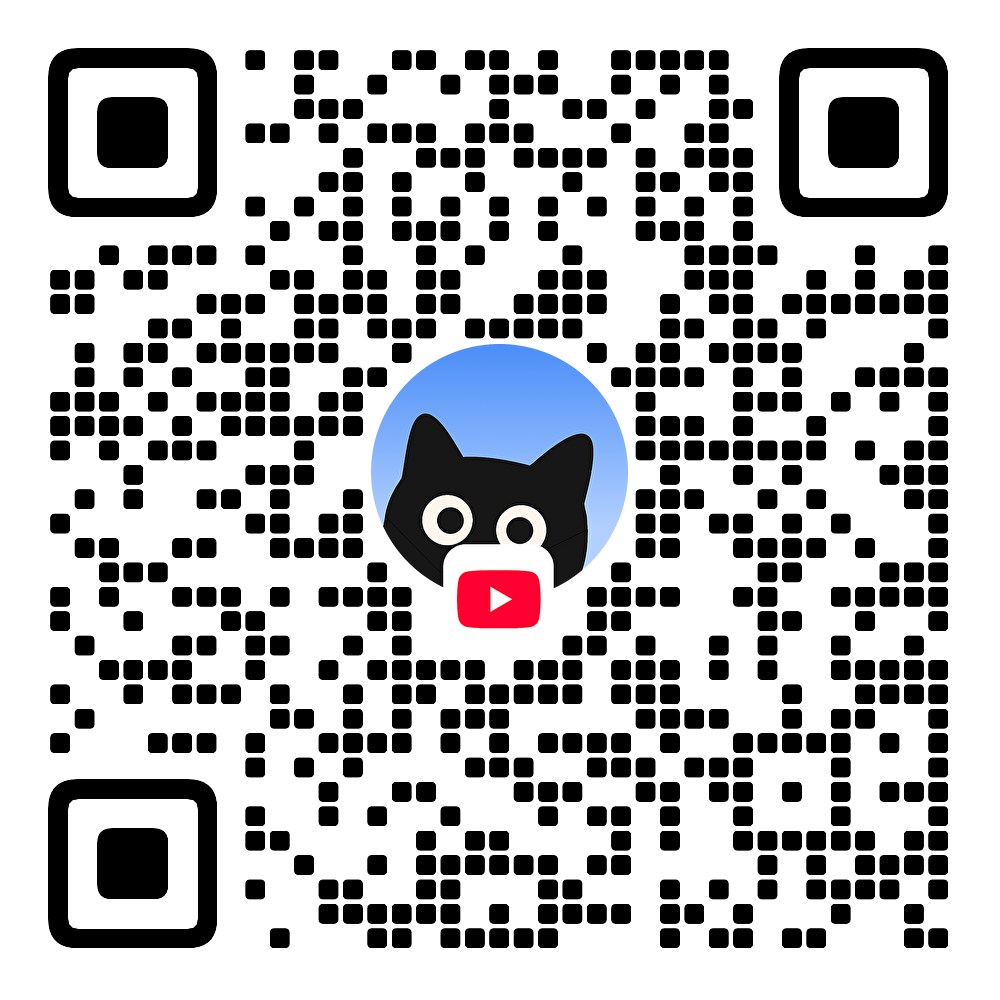
QR code for the official OmniBox YouTube channel

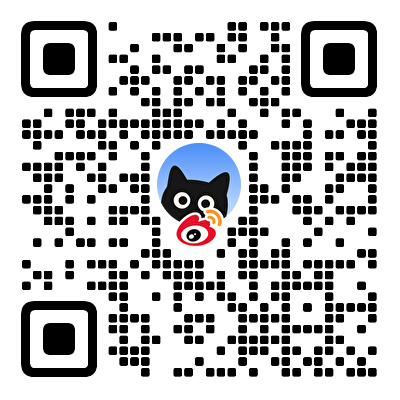
Sina Weibo ​

@OmniBox

QR code for the official OmniBox Sina Weibo account

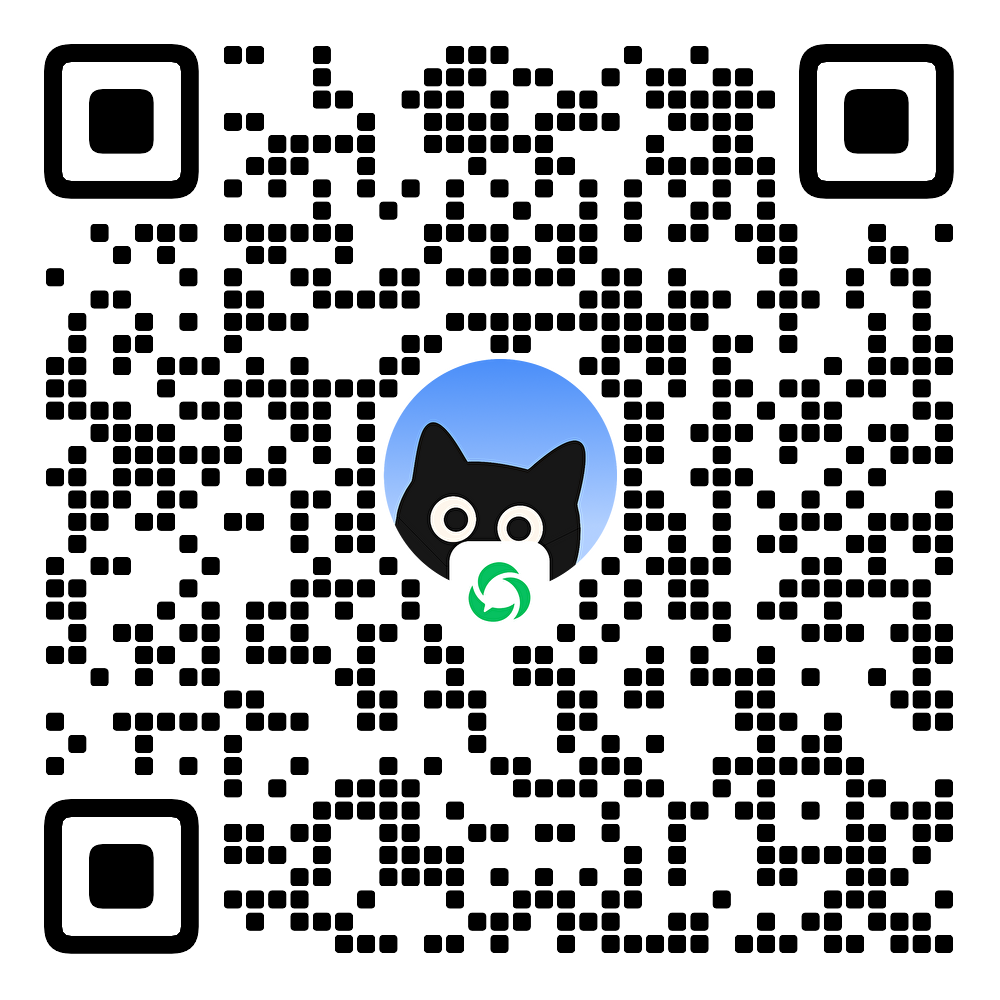
WeChat Service Account ​

QR code for the official OmniBox WeChat service account

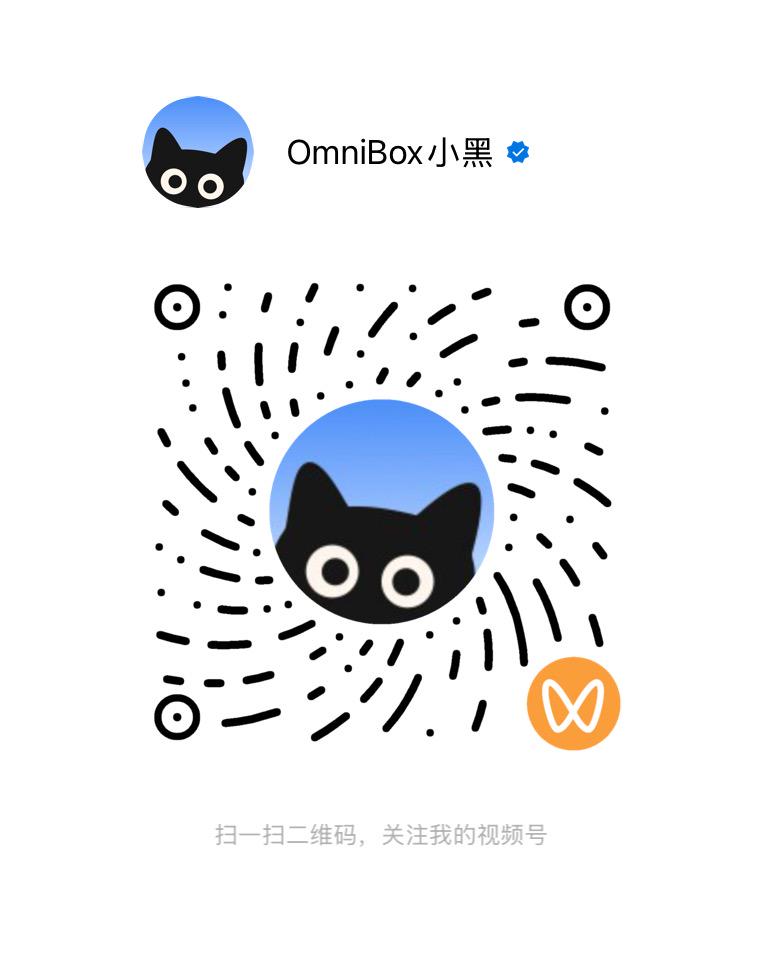
WeChat Video Account ​

QR code for the official OmniBox WeChat Video Account

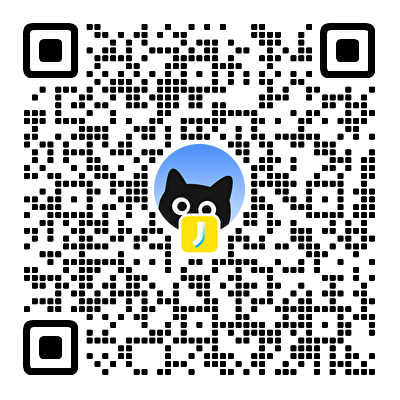
jike App ​

@OmniBox

QR code for the official OmniBox Jike account