

Image Parsing
OmniBox supports intelligent image parsing, automatically recognizing image content and converting it into editable documents.
Parsing Logic
When you upload an image, OmniBox automatically performs intelligent analysis:
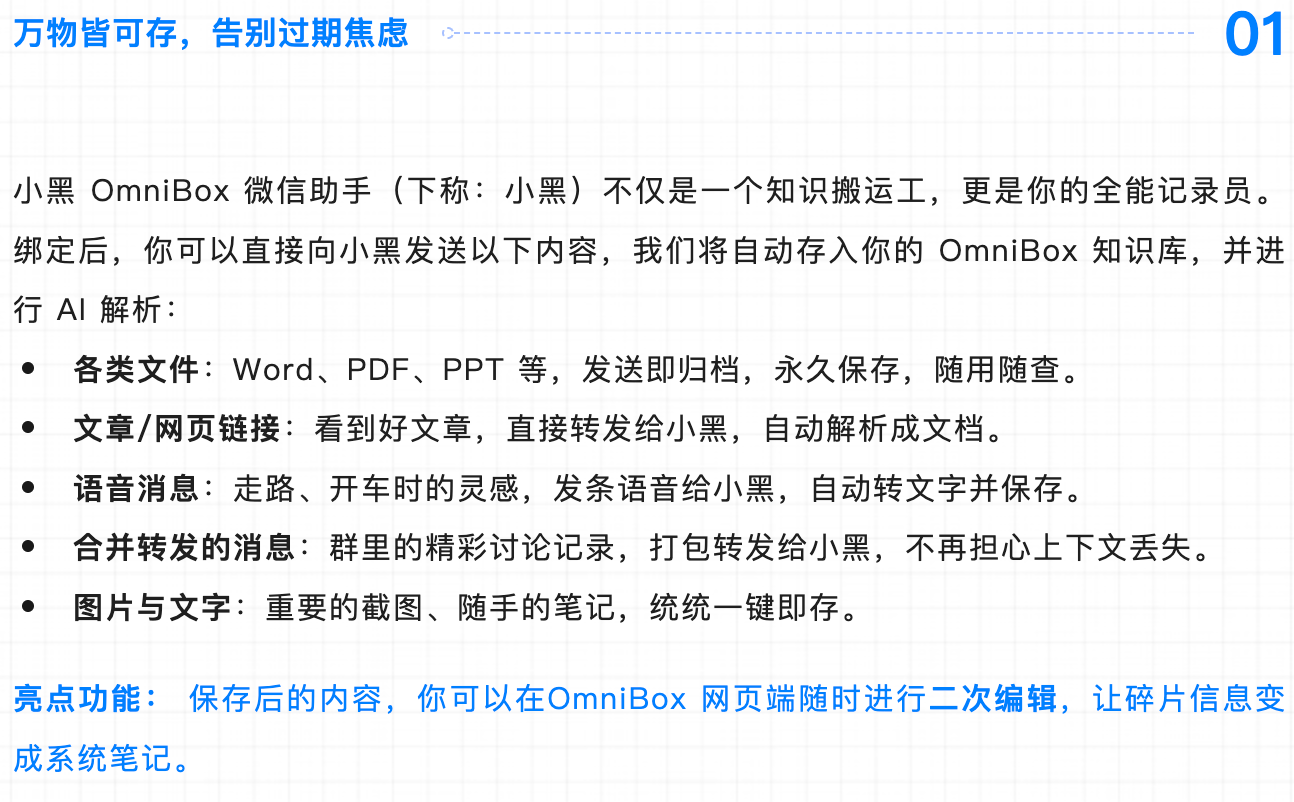
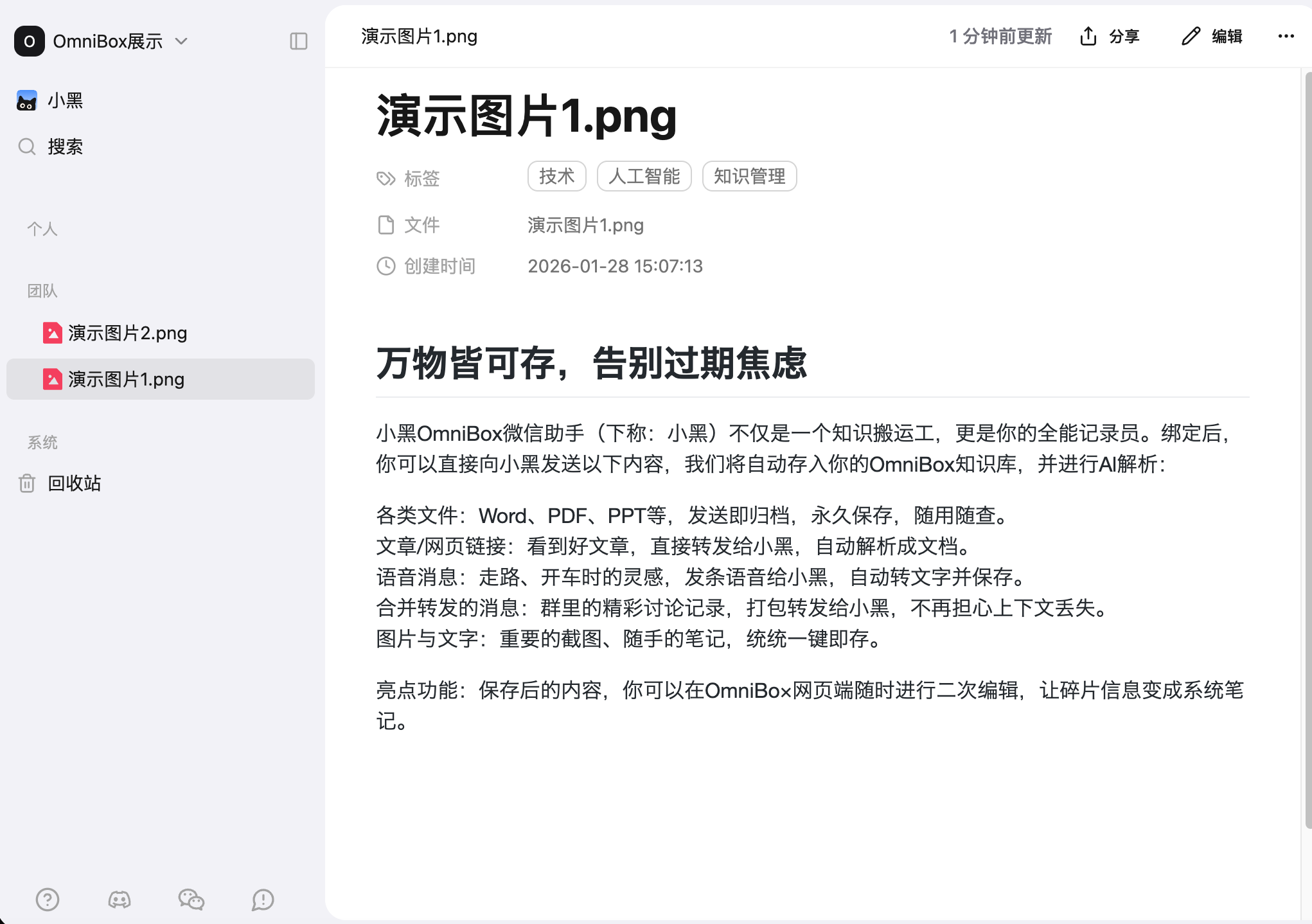
For document-type images (e.g., scanned documents, PPT screenshots): The system parses them into editable documents, making the text searchable and usable.
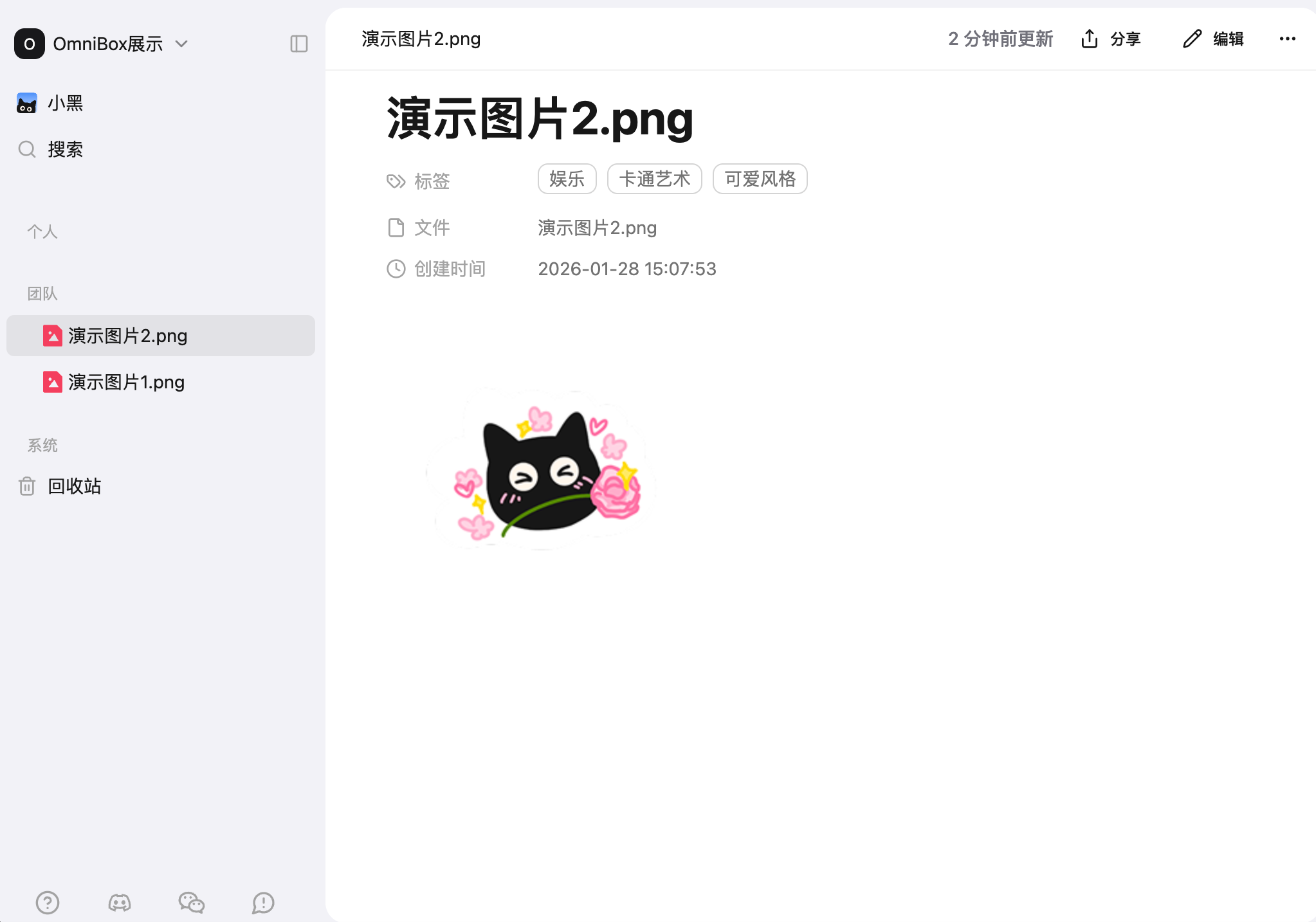
For regular images (e.g., photos, product images): The system generates a summary and saves it as a "document containing only one image", allowing you to find it through semantic search.
Supported Image Formats
| Format | Description |
|---|---|
jpg / jpeg | Common photo format |
png | Image format with transparency support |
Examples
Example 1: Image identified as document-type
Original Image
Parsing Result
Example 2: Image identified as regular image
Original Image

Parsing Result
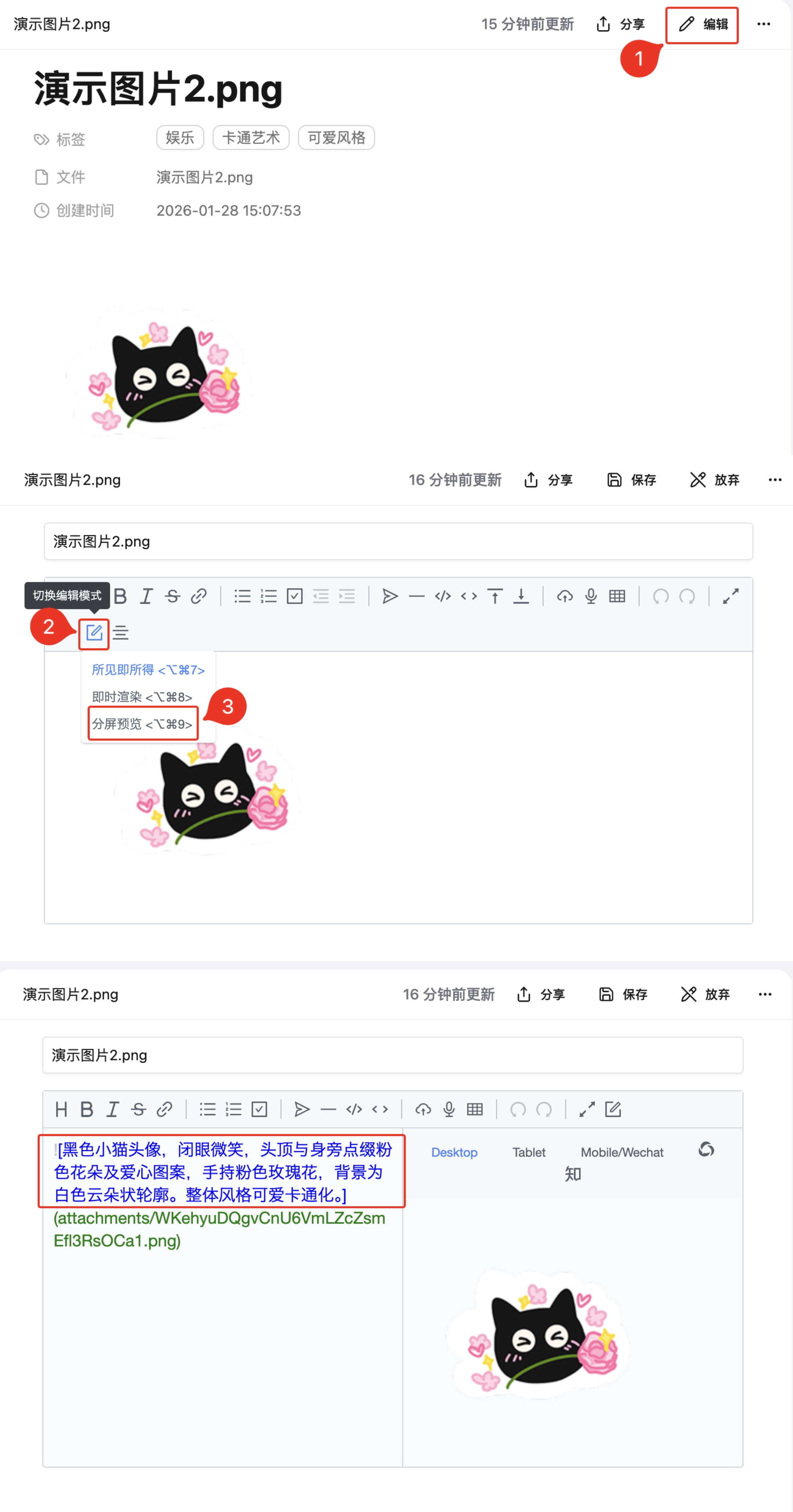
View Summary
Click Edit in the menu, click Toggle Edit Mode, and select Split Preview to view the image summary
FAQ
Why wasn't my uploaded image parsed as a document?
This is because OmniBox identified the image as a regular image (e.g., photo, product image) rather than a document-type image.
Tips to improve parsing success rate:
- Ensure the image content is clear and text is legible
- The image should contain visible text or document structure (e.g., titles, paragraphs, tables)
- Avoid excessively large image files