
Tag Management
Tags help categorize knowledge base resources and can also be used as conditions in Smart Folders.
Add Tags
- Click on a file/folder, click
Click to add tagon the main page to add tags. After adding, click on a blank area to save
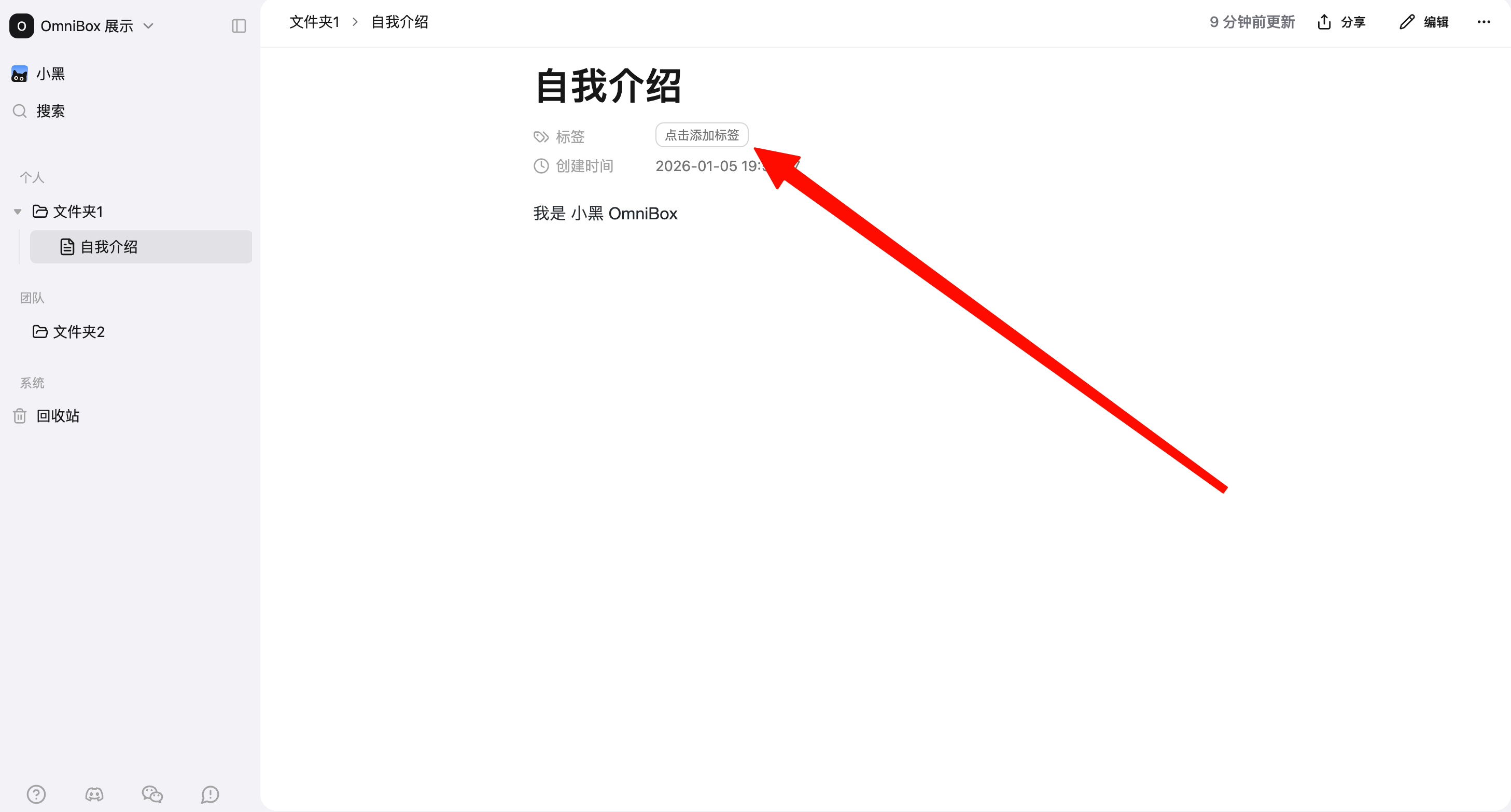
- If the tag you enter doesn't exist yet, you need to create it

- Single tag maximum length is 20 characters
- A single file can have up to 10 tags
Edit Tags
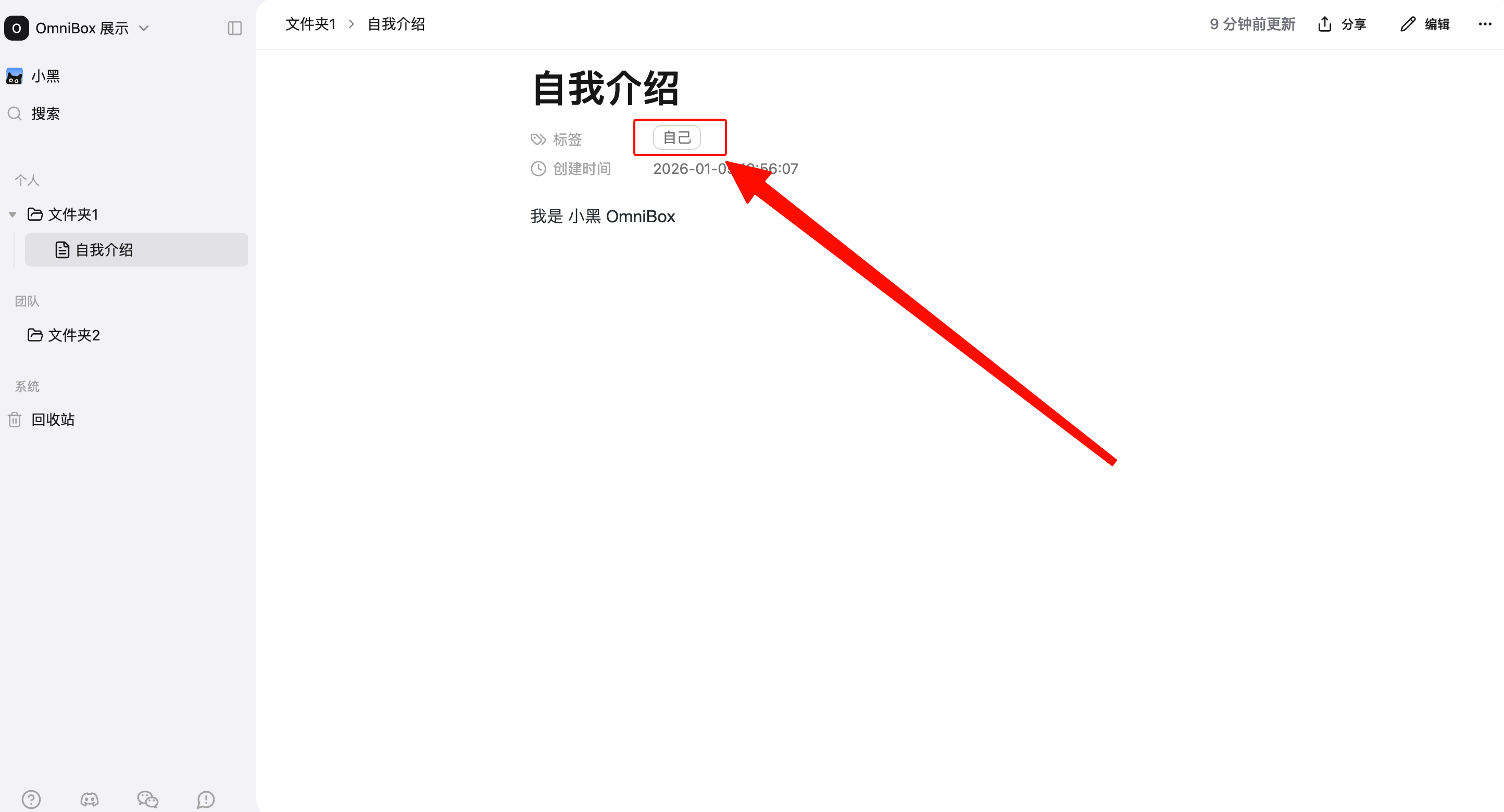
Click on a file/folder, click on the tag content on the main page to edit the tag.
Delete Tags
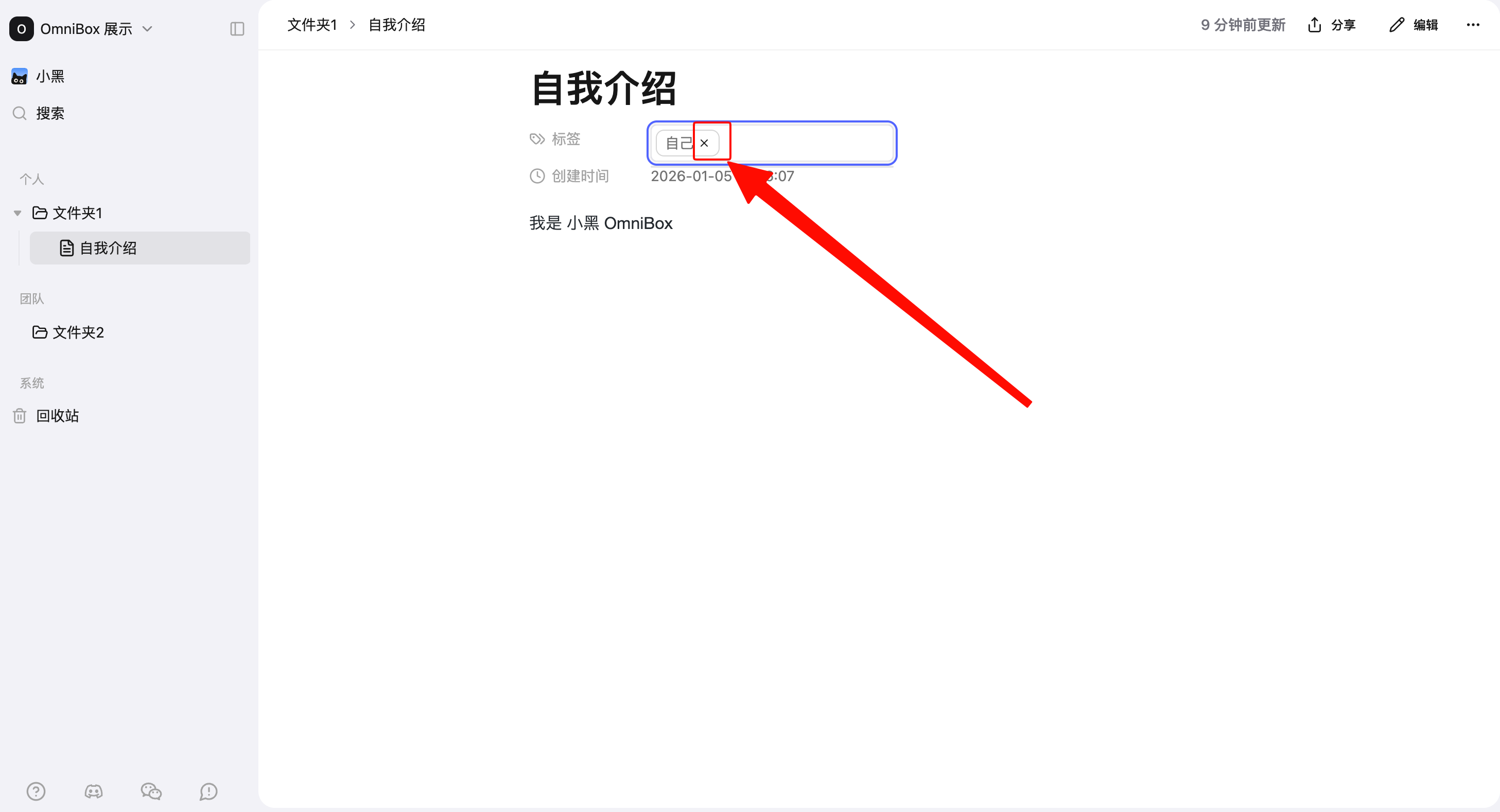
Click on a file/folder, click on the tag you want to delete on the main page, click × to delete the tag.
Mobile APP
In the Mobile APP, resource detail pages also support adding, editing, and updating tags, so you can continue organizing your knowledge base from your phone.
View Tags
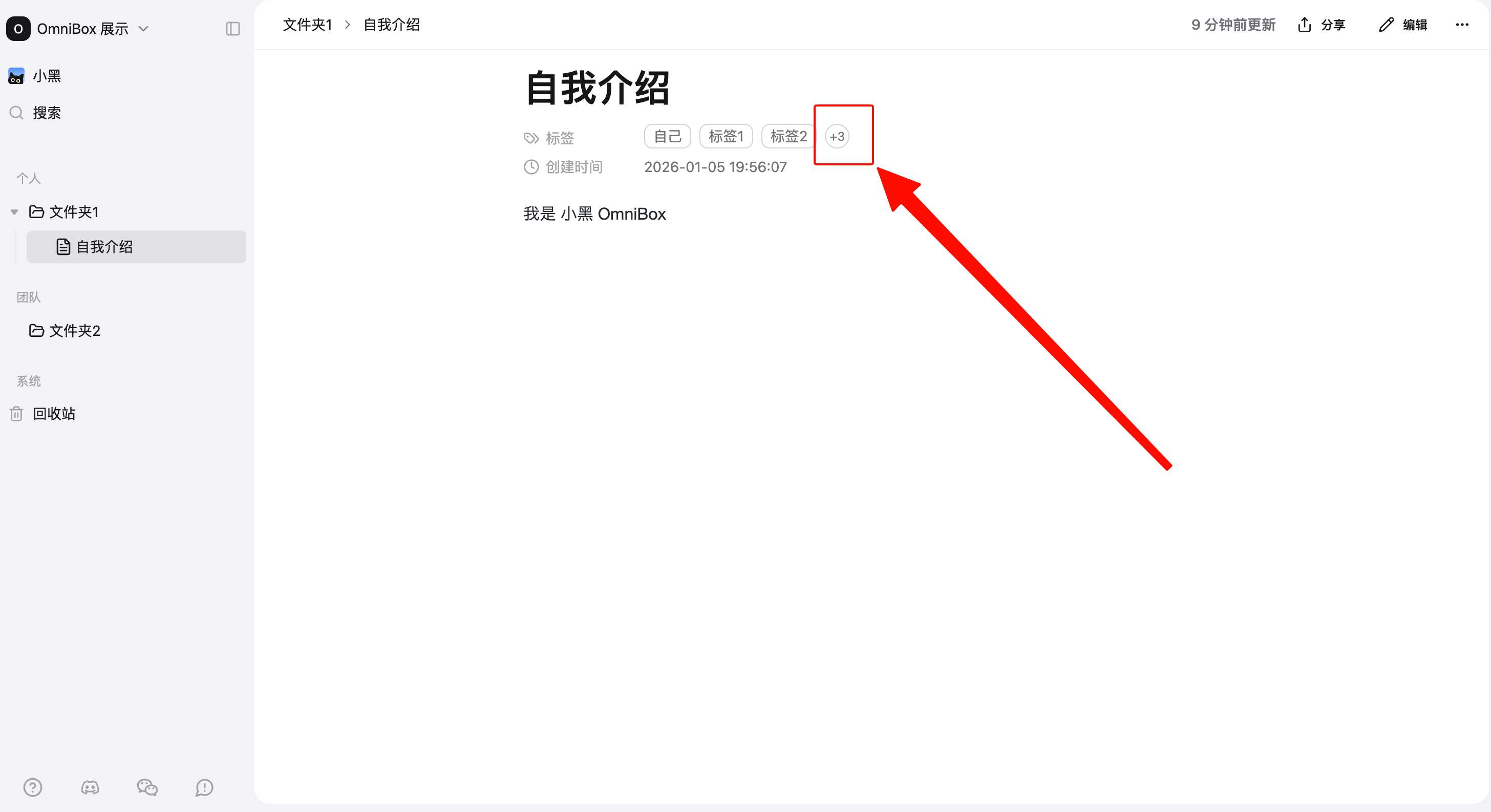
When there are more than three tags, they will automatically collapse
- Click the
circleto expand and view all tags
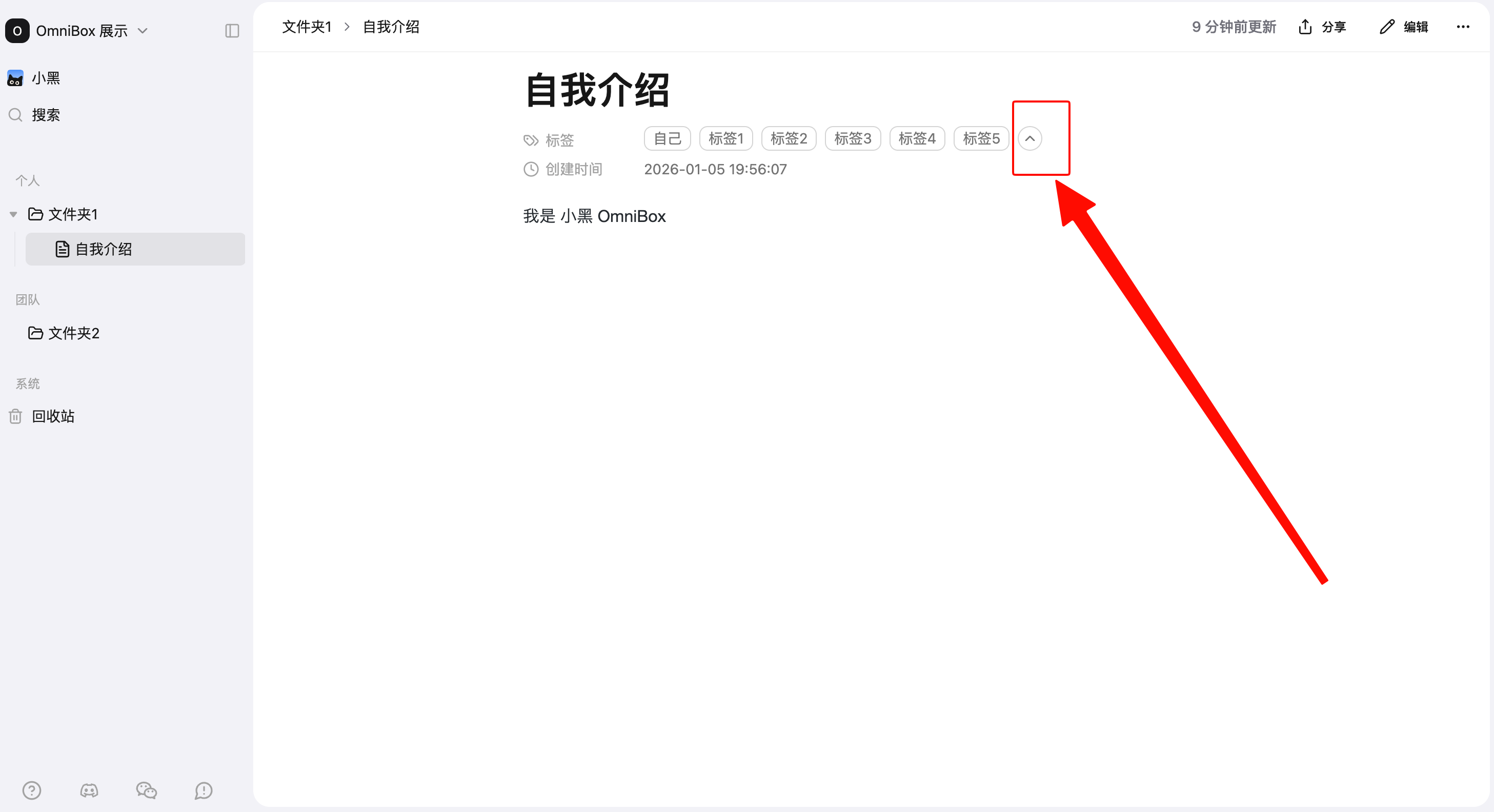
- After expanding, click the
circleto collapse
Auto-generate Tags
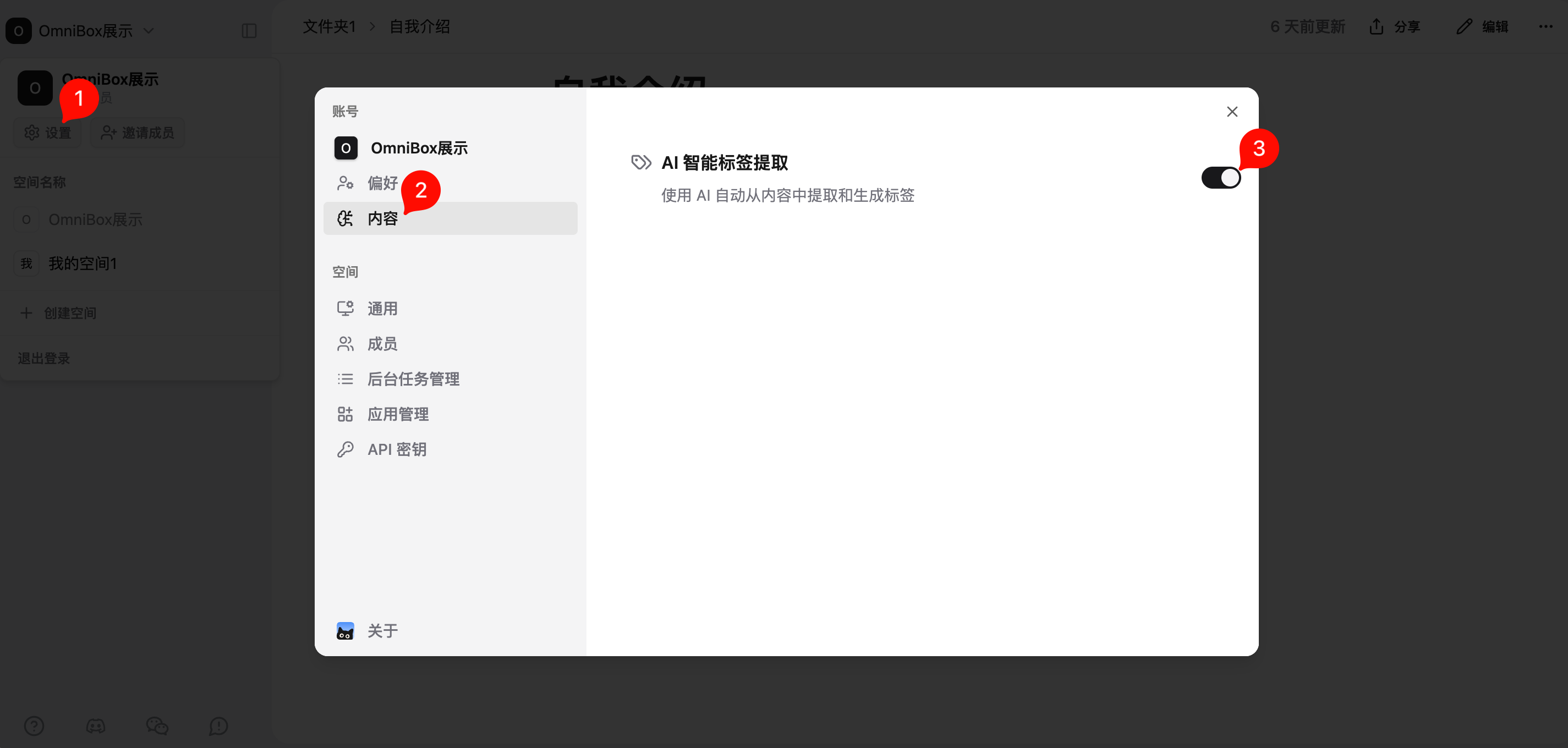
- Open
Settings, selectContent, turn on theAI Smart Tag Extractionswitch to automatically generate tags during file parsing, video parsing, and web collection - With this switch on, the system will automatically generate 3 tags by default for parsed documents (if the content is too short, only 1 tag will be generated)